 Seolytics
Best AI SEO Tools: GEO and AI Visibility Tools Compared
The AI SEO tools to use in 2026, from free AI reports in Google and Bing to AI visibility trackers, site checkers and assistants, and how to choose.
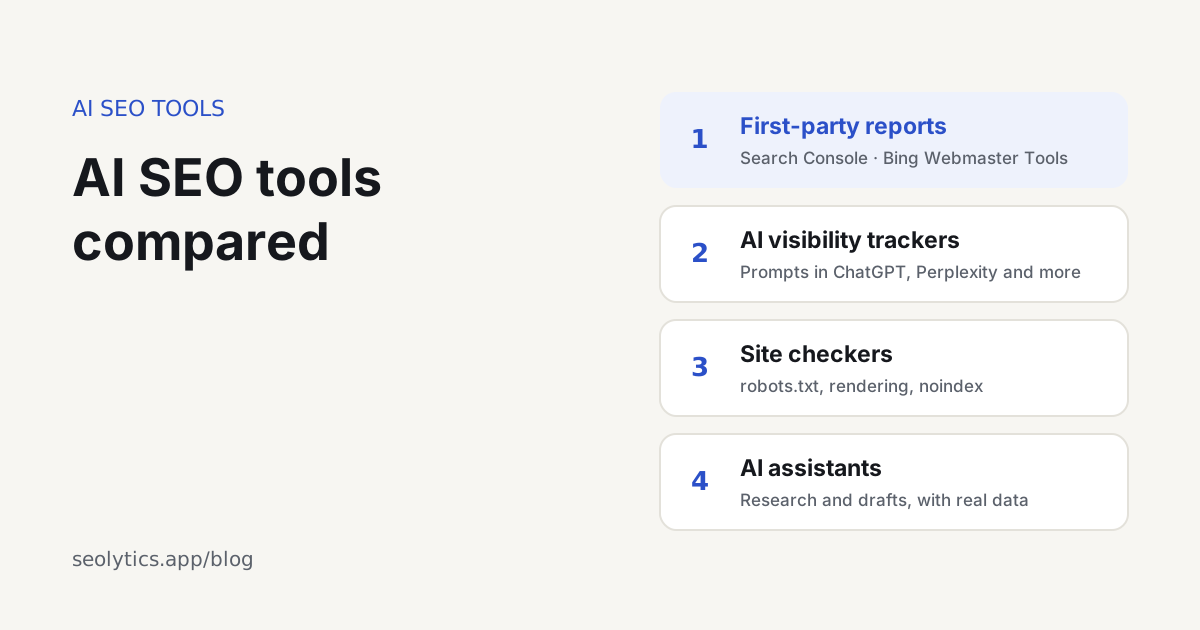
The best AI SEO tool depends on the job, because no single tool covers all of it. They fall into four groups. Google and Bing give you free AI reports, and AI visibility trackers run your questions in ChatGPT and other assistants. Site checkers test whether AI crawlers can read your pages, and AI assistants help with research and writing. Set up the free reports first, then add a tracker for the assistants that Google and Bing don't report on.
This comparison is written by Seolytics, and Seolytics is one of the tools in it. We describe what each tool does rather than giving scores. Features and prices change often, so check the vendor's own page before buying.
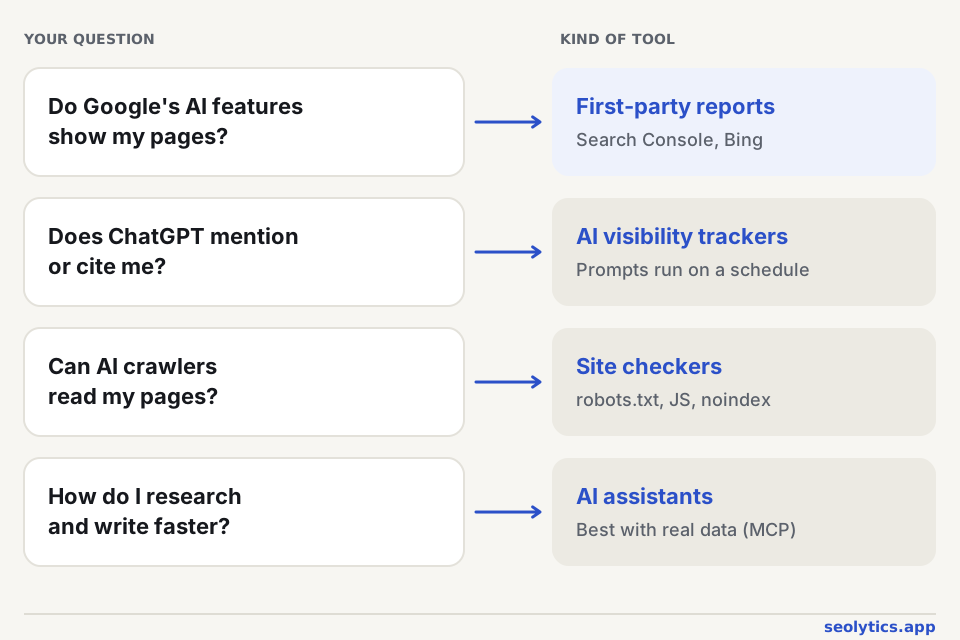
Which is the best AI for SEO?
It helps to start from the question you want answered:
| Question | Kind of tool | Examples |
|---|---|---|
| Do Google's AI Overviews and AI Mode show my pages? | First-party report | Google Search Console, Generative AI performance |
| Do Copilot and Bing's AI answers cite me? | First-party report | Bing Webmaster Tools, AI Performance |
| Do ChatGPT, Perplexity and others mention or cite me? | AI visibility tracker | Seolytics, Semrush AI Visibility Toolkit, Ahrefs Brand Radar, Profound, Peec AI, Otterly.AI |
| Can AI crawlers read my pages? | Site checker | Seolytics website audit and robots.txt checker, Screaming Frog SEO Spider |
| How do I research and write faster? | AI assistant | ChatGPT, Claude, Gemini |
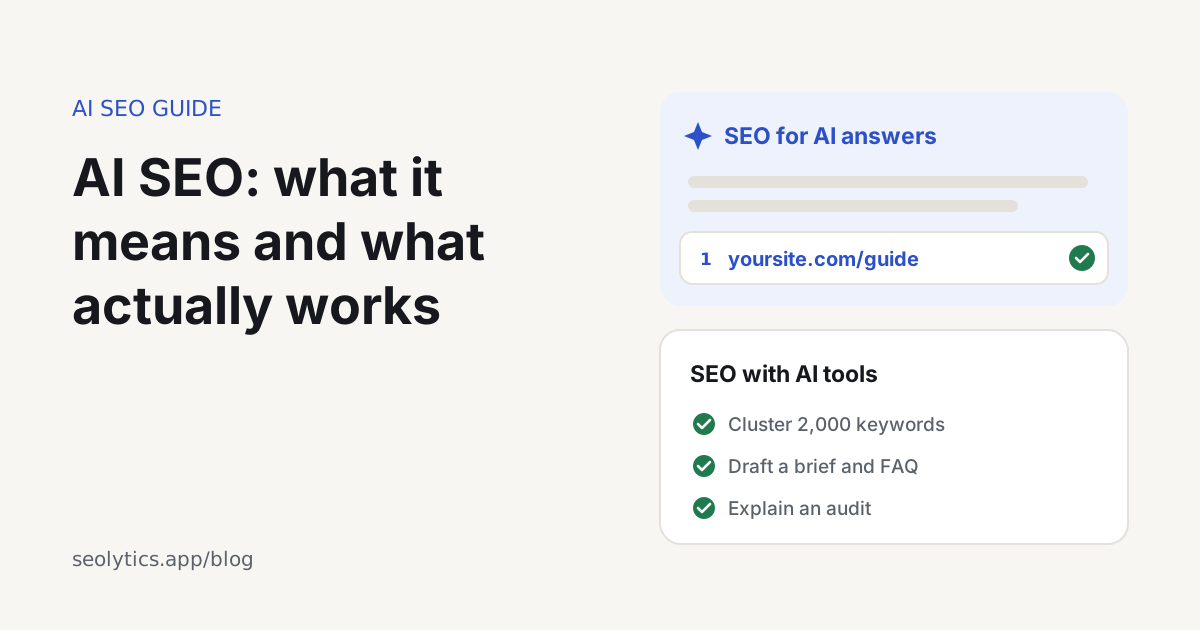
If the terms are new to you, AI SEO: what it means and what works explains what these tools measure.
Free first: what Google and Bing already show you
Google Search Console: Generative AI performance
Google announced this report in June 2026 and had rolled it out to all sites by the end of August. It counts how often your pages appeared in AI Overviews, AI Mode and the AI features in Discover, and splits the numbers by page, country, device and date. There are two catches. It has no click data, and the history only goes back to mid-May 2026.
Bing Webmaster Tools: AI Performance
Bing added its AI Performance report in February 2026. It shows how often Copilot and Bing's AI-generated answers cite your pages, which pages they cite, and the "grounding queries" the AI searched for before picking them. Bing's index also feeds other AI products, so set this up even if Bing itself sends you little traffic.
Neither report covers ChatGPT, Perplexity or Claude. Those companies don't give site owners a dashboard of this kind, and that gap is what the trackers below are for.
AI visibility trackers
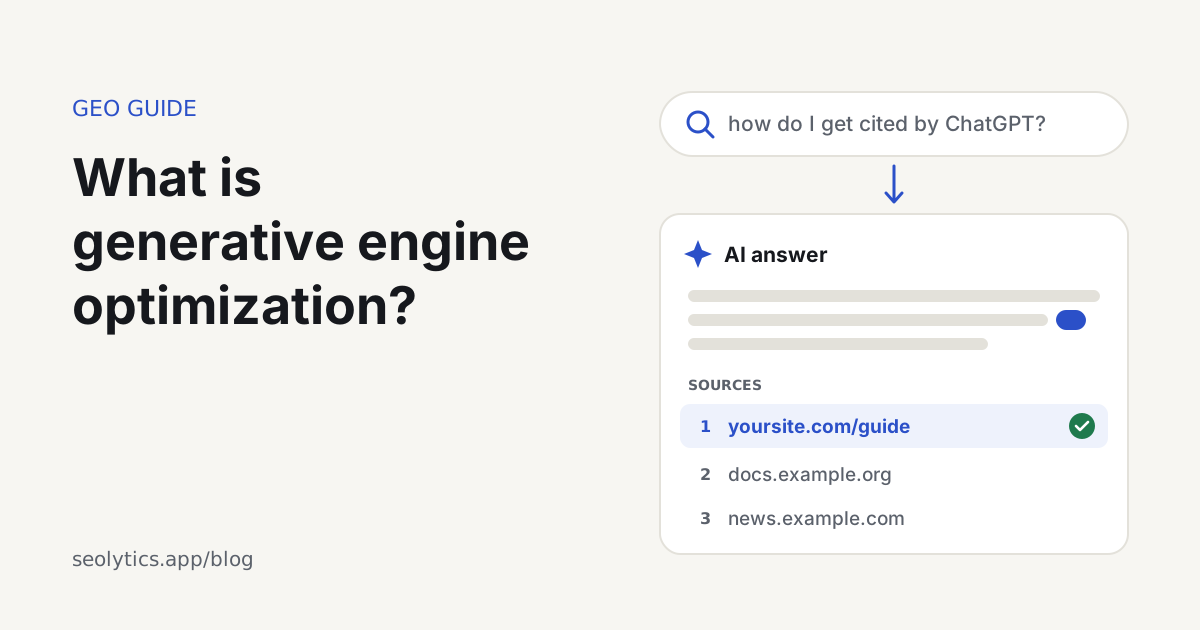
A tracker runs a list of questions (prompts) in AI assistants on a schedule. For each answer it records whether your brand was mentioned, which pages were cited, where you appeared in the answer and which competitors appeared instead.
| Tool | What it is | Good fit |
|---|---|---|
| Semrush AI Visibility Toolkit | AI visibility module inside Semrush, with prompts, citations and share of voice | Teams already on Semrush |
| Ahrefs Brand Radar | Brand mentions and cited pages across AI assistants, inside Ahrefs. Custom prompt tracking was added in January 2026 | Teams already on Ahrefs |
| Profound | Standalone AI visibility platform | Larger brands that need depth and reporting |
| Peec AI | Standalone daily tracking of visibility, position and sentiment | Marketing teams and agencies |
| Otterly.AI | Standalone AI search monitoring | Small teams starting out |
| Seolytics | How often ChatGPT and Google's AI mention and cite your site, plus your own prompts in ChatGPT, Google AI Mode and Perplexity, alongside keyword research, rank tracking and site audits | Small teams that want SEO and AI visibility in one place |
Whichever you choose, check a few things before paying:
- Can you see the full answers and the URLs they cite? A visibility score on its own doesn't tell you what to fix.
- Does it cover the assistants your customers use, in their country and language?
- Does it repeat each prompt over time? AI answers vary from run to run, and a single check can mislead you.
- Can you add your own prompts, or only the ones it generates from your keywords?
- Does it show which sites are cited instead of you? Those pages tell you what content is missing and who to reach out to.
Site checkers: can AI crawlers read your pages?
A tracker shows that you're missing from AI answers. A site checker helps you find out why, and the cause is often technical:
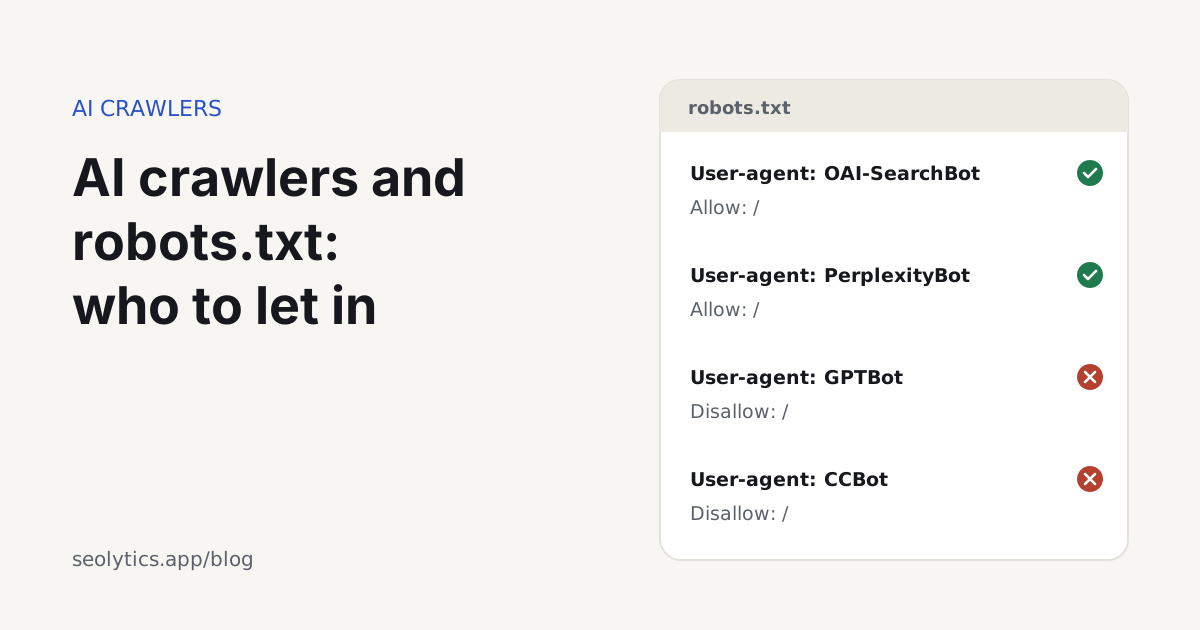
- robots.txt blocks the AI search crawlers, often by accident through a rule written for training bots. The robots.txt checker tests a page against Googlebot and each AI crawler and shows which rule decides;
- the CDN or firewall challenges AI crawlers even though robots.txt lets them in;
- the content only appears after JavaScript runs, and most AI crawlers don't run it;
- a
noindexornosnippetkeeps the page out of Google's AI features.
Our free website audit checks up to 25 pages for these problems and gives the site separate SEO and GEO scores. On a large site, a desktop crawler such as Screaming Frog SEO Spider can compare the raw HTML with the rendered page.
Can ChatGPT help with SEO?
Yes, with the work that is mostly about language and structure. It can group a keyword list into topics, turn notes into a brief or an outline, draft titles, meta descriptions, FAQ answers and schema markup, and explain an audit or write redirect rules and regular expressions.
It can't give you search data. A chat assistant doesn't know real search volumes, your rankings or a competitor's traffic, and if you ask, it may answer with invented numbers. Connecting it to a data source solves that: with an SEO MCP server, Claude, ChatGPT or Cursor can pull keyword data, check rankings and run audits from the chat. Someone still needs to check every fact before publishing, since mass-produced pages fall under Google's scaled content abuse policy.
A simple AI SEO tool stack
- Set up once, free: Google Search Console and Bing Webmaster Tools, with their AI reports.
- Monthly, free: a site audit and a robots.txt check for AI crawlers.
- When AI visibility starts to matter: a tracker with 20 to 50 prompts your customers ask, checked weekly or monthly.
- Day to day: a chat assistant for drafting, connected to real data.
FAQ
Which generative engine optimization tool is the best?
There isn't a single best one, because GEO covers two jobs: measuring AI visibility and fixing what blocks it. For measuring, pick a tool that shows the actual AI answers and the pages they cite, covers the assistants your customers use and repeats checks over time. Pair it with a site checker that tests AI crawler access.
Is there a Search Console for ChatGPT?
No. As of October 2026, OpenAI gives site owners robots.txt controls for its crawlers but no report of impressions or citations in ChatGPT. Visits from ChatGPT show up as referrals in your analytics. To see where it cites you, track a fixed set of prompts.
Are free AI visibility checkers worth using?
For a first look, yes. A free check tells you whether an assistant mentions you for a handful of questions. Before making decisions, run a fixed set of prompts repeatedly, because the same question can get a different answer the next day.
How often should I check AI visibility?
Weekly or monthly is enough for most sites. Daily checks mostly pick up the normal variation in AI answers, unless you're watching a launch or a fast-moving topic.